
Markdown Reference
Page sources need to use the flavor of Markdown supported by Starlight as documented in Authoring Content in Markdown . Additional markdown reference material can be found at the Markdown Cheat Sheet.
The following examples are intended as a reference but also to test all the elements with the site CSS. If you use markdown elements that are not documented here please add them to this page. This enables us to adjust the CSS in the future and quickly see the impact it may have on page layout.
Text formatting
Section titled “Text formatting”Text can be bold, italic, strikethrough, or inline code. Note that for clarity please use double asterisks for bold and single underscores for italic.
Text can be **bold**, _italic_, ~~strikethrough~~, or `inline code`. Note that for clarity please use double asterisks for bold and single underscores for italic.Headings
Section titled “Headings”Heading 1 is only used by the page title. Anchors are automatically generated for all headings. The heading title can be added to the page URL with a hash, replacing spaces with hyphens, removing punctuation, and making it all lowercase. A heading of ‘Image references’ would become #image-references.
Heading 2
Section titled “Heading 2”Heading 3
Section titled “Heading 3”Heading 4
Section titled “Heading 4”Heading 5
Section titled “Heading 5”Heading 6
Section titled “Heading 6”## Heading 2
### Heading 3
#### Heading 4
##### Heading 5
###### Heading 6Lists should not have any blank lines between items. Multiple lists should be separated by a normal paragraph with blank lines before and after, otherwise they may not render correctly.
- First item
- Second item
- Sub item
- Another
- Third item
- First item- Second item - Sub item - Another- Third item- First item
- Second item
- Third item
1. First item2. Second item3. Third itemTables
Section titled “Tables”| Syntax | Description |
|---|---|
| Header | Title |
| Paragraph | Text |
| Syntax | Description || ----------- | ----------- || Header | Title || Paragraph | Text |It can also be slightly simplified, without the left and right pipes:
| Unicode block | Font support |
|---|---|
| C0 Controls and Basic Latin | U+0020..U+007E |
| C1 Controls and Latin-1 Supplement | U+00A0..U+00FF |
Unicode block | Font support------------- | ------------C0 Controls and Basic Latin|U+0020..U+007EC1 Controls and Latin-1 Supplement|U+00A0..U+00FFWhen text requires wrapping in cells, the relative width of columns can be somewhat adjusted by tweaking the --- | --- line under the header:
| Unicode block | Characters | Long explanation |
|---|---|---|
| C0 Controls and Basic Latin | U+0020..U+007E | This is a longer text to describe the basic Latin block |
| C1 Controls and Latin-1 Supplement | U+00A0..U+00FF |
Unicode block | Characters | Long explanation------------- | ---- | -----------------------------C0 Controls and Basic Latin|U+0020..U+007E|This is a longer text to describe the basic Latin blockC1 Controls and Latin-1 Supplement|U+00A0..U+00FF|Table columns can also be aligned using :---: syntax.
| Left-aligned | Centered | Right-aligned |
|---|---|---|
| This is a longer text to describe the basic Latin block | C0 Controls and Basic Latin | U+0020..U+007E |
| More left-aligned text | C1 Controls and Latin-1 Supplement | U+00A0..U+00FF |
Left-aligned | Centered | Right-aligned:------------- | :------------: | -------------:This is a longer text to describe the basic Latin block|C0 Controls and Basic Latin|U+0020..U+007EMore left-aligned text|C1 Controls and Latin-1 Supplement|U+00A0..U+00FFImage references
Section titled “Image references”To place an image on a page use this format, and do not leave AltText blank:
Here is an example of an image reference:

You can reference images wider than 720 pixels wide and they will be scaled down:
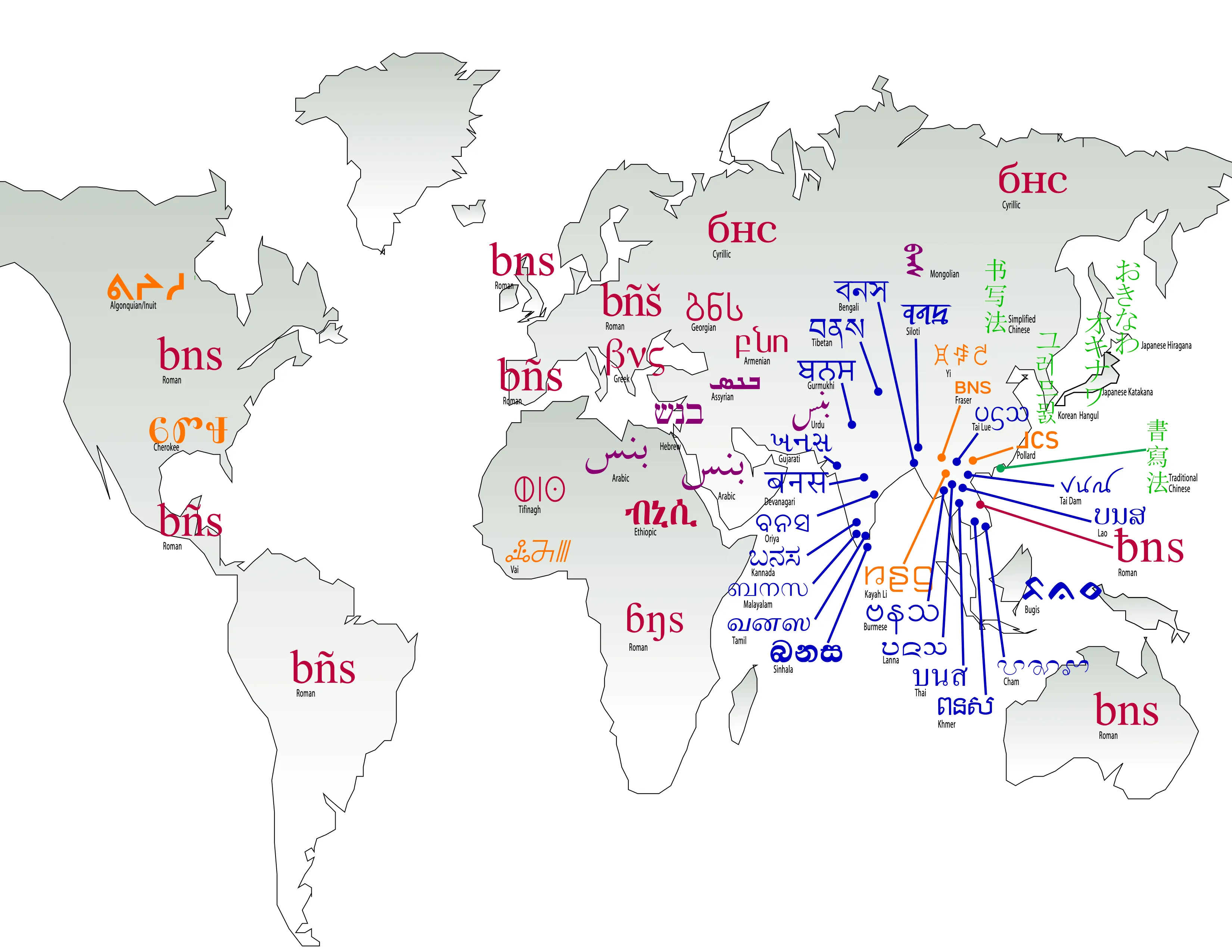
You can also reference smaller images:

Or an external image:

To add a caption to an image add the caption after the filename:
Inline images are not supported.
Image references should not be broken over multiple lines. They may still work, however the Decap system does not support them.
External links should always use the full URL using a named referenceas in this example.
**External links** should always use the full URL using a named referenceas in [this example][otspec].
[otspec]: https://www.microsoft.com/typography/otspec/
Internal links to other pages on this site should also use named references, but defined using explicit paths as in this internal example. The path should be relative to the src/content/docs base directory without the .md extension, as in /topics/layout/justification. Do not use relative paths like ./filename or ../filename.
**Internal links** to other pages on this site should also use named references,but defined using explicit paths as in [this internal example][justification].The path should be relative to the `src/content/docs` base directory withoutthe `.md` extension, as in `/topics/layout/justification`.Do not use relative paths like `./filename` or `../filename`.
[justification]: /topics/layout/justification
Links to headings on the same page do not need to use named references. They can use a simpler syntax, with parentheses (not brackets) around the anchor name, as in this direct link to the Image references section. The anchor name format is a hash plus the heading name, lowercased, with spaces replaced by hyphens, and other punctuation removed as in #image-references. There is no need to explicitly define these anchors. All headings are automatically given anchors when the page is built.
**Links to headings on the same page** do not need to use named references.They can use a simpler syntax, with parentheses (not brackets) around the anchorname, as in [this direct link to the HImage references section](#image-references). The anchor nameformat is a hash plus the heading name, lowercased, with spaces replaced byhyphens, and other punctuation removed as in `#image-references`. There is no need toexplicitly define these anchors. All headings are automatically given anchorswhen the page is built.Links to headings on other pages should use named references like other internal links, with the hash plus heading added to the end, as in /support/policies#privacy and this link to the Macrolanguages section of the Language Tagging page. An exception to using named references for this is for links to Glossary entries, which can use the simpler direct syntax: grapheme.
**Links to headings on other pages** should use named references like otherinternal links, with the hash plus heading added to the end, as in`/support/policies#privacy` and [this link to the Macrolanguages section ofthe Language Tagging page][macrolangs]. An exception to using named referencesfor this is for links to Glossary entries, which can use the simpler directsyntax: [grapheme](/reference/glossary#grapheme).Links to places on pages that are not headings is discouraged, as it would require raw HTML.
Using named references in links
Section titled “Using named references in links”It is generally preferred that links use named references. Rather than use the basic [text](completefilereference) syntax in text it is better to use [text][refname], then define each [refname] on a separate line later in the document. Note use of brackets rather than parentheses!
The refname format should be reasonably consistent. Suggestions that will make it easier for us to create a more robust referencing system in the future:
- All lowercase, like page filenames
[glossary] - Use hyphens, not spaces to separate words, like page filenames
[font-bakery] - For WSTR pages use the filename without extension
[unicode-concepts] - For links to website where we will likely have a lot of references, consider prepending an indicator to the site. Examples:
[adobe-agl](Adobe)[fdbp-line-metrics](FDBP)[gf-spec](Google Fonts)[gh-issue](Github)[glyphs-vertical-metrics](Glyphs)[iso-open-font-format](ISO)[iws-c2](chapters of Implementing Writing Systems on scripts.sil.org)[ms-char-design](Microsoft)[omni-types-of-ws](Omniglot)[pysilfont-req-chars](pysilfont)[sil-orthography-dev](SIL)[ss-unicode](ScriptSource)[uni-surrogates](Unicode)[wiki-writing-system](Wikipedia)
- Academic-style references to books, papers, etc. should use the author’s last name and year of publication, such as
[smith2023]or[cozens2019]. If there are multiple works by the same author in the same year, add a letter to differentiate them, such as[smith2023a]and[smith2023b]. This is consistent with some academic citation styles. - Reasonable exceptions to this are frequently used references such as:
[otspec]and[wsig].
For most shorter pages the reference definitions should be at the end of the page, but for longer docs such as Application Development Best Practice the reference definitions could be clustered at the end of each section. They aren’t rendered on the page so their location can vary.
Blocks
Section titled “Blocks”Code blocks begin and end with three backticks ```. Syntax formatting including Expressive Code features are available - see Code blocks.
Blockquotes use a
>at the start of each line.
> Blockquotes use a `>` at the start of each line.Paragraph before horizontal rule - note blank line after
Paragraph after horizontal rule - note blank line before
Paragraph before horizontal rule - note blank line after
---
Paragraph after horizontal rule - note blank line before
Asides
Section titled “Asides”:::noteThis is an aside. Details and options can be found in the [Starlight docs][starlight-asides].:::Footnotes
Section titled “Footnotes”Here is an example of a footnote1 that will appear at the very bottom2 of the page. Footnotes will automatically be numbered sequentially when rendered.
Here is an example of a footnote[^1] that will appear at the very bottom[^anytext] of the page. Footnotes will automatically be numbered sequentially when rendered.
[^1]: Here is an example of how the footnote text is indicated. This example reference is in the text.
Comments
Section titled “Comments”To add a comment in the markdown source that will not be displayed on the page, make a fake reference definition called comment, instead of a link use #, and place your comment in (). The comment must be preceded by a blank line, and can only be a single line. This is useful for leaving notes to other authors or yourself, but it will not be rendered on the page. It will, however, remain in the public source.
There is a hidden comment in the lines after this.
There is a hidden comment in the lines after this.
[comment]: # (This is the hidden comment text)
Use of raw HTML in page content
Section titled “Use of raw HTML in page content”Raw HTML should be avoided within normal page content. Markdown should be used whenever possible. Specifically:
<a>should not be used to create links or define anchors. Links should always use markdown syntax. Headings are automatically given anchors. See Headings.<span>should not be used to set apart text that needs special styling. Use markdown syntax instead. If what is needed is not possible with markdown discuss that with the technical team for guidance.
There are a few specific situations where raw HTML is appopriate, but they are rare:
- On special pages that require unique styling or functionality, such as the glossary
<details>and<summary>elements used for collapsible content on Script pages<sup>and<sub>elements for formatting of superscripts and subscripts
Standard MDX extensions
Section titled “Standard MDX extensions”The following extensions to markdown support may be useful. To use them requires using the .mdx file format rather than .md. This is essentially a normal markdown file, and all the above markdown features can be used, however .mdx allows for additional components and capabilities.
To use these extensions:
-
Rename the file to have an
.mdxextension. -
Import the component you want to use by adding an
importto the top of your file, just after the frontmatter. For example, this will import the Badge component:import { Badge } from '@astrojs/starlight/components'; -
Add the special element (in this case, Badge) to your page wherever you would like it.
<Badge text="Note" variant="note" />
Badges
Section titled “Badges”See the Starlight docs - Badges for details. Here are some examples:
See the Starlight docs - Steps (or the source for this mdx file) for details and examples.
Caption styling
Section titled “Caption styling”(to be added)
Custom MDX components
Section titled “Custom MDX components”These are documented in Component Reference.